
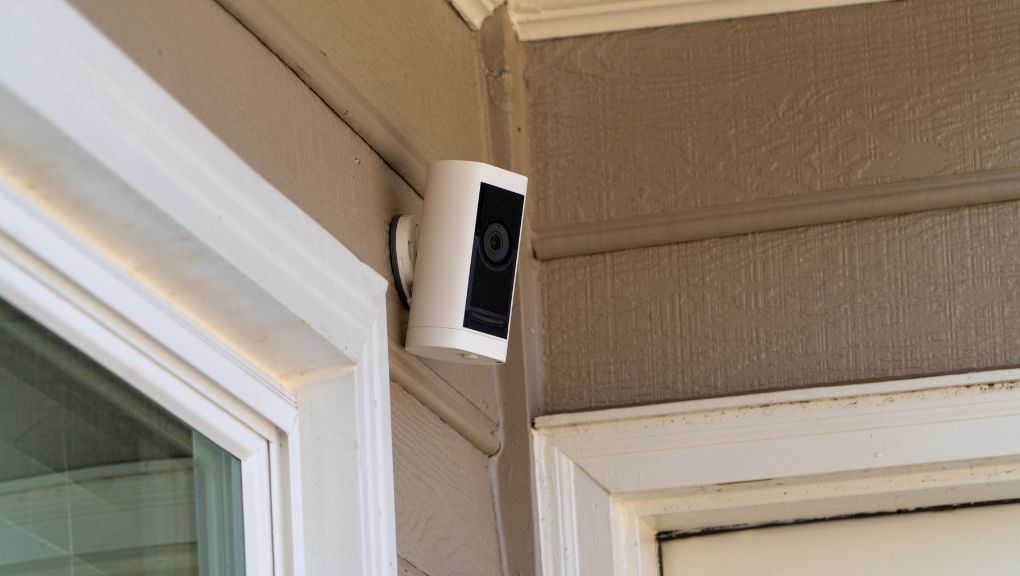
Most security cameras don’t need much from your internet connection on their own. What actually causes problems is a combination of factors: how many cameras you have, whether they record continuously or only on motion, and whether other things in your house are competing for the same connection at the same time.
Summary
- A single video doorbell rarely causes noticeable slowdowns. Several cameras recording at once is a different story.
- Cameras rely on upload speed, which is what carries video out of your house. Many internet plans offer far less upload than download.
- Every Fort Collins Connexion plan is symmetrical, meaning upload matches download, so cameras aren’t competing for a small slice of bandwidth.
- Continuous recording uses more data than motion-based recording. Every Connexion plan includes unlimited data with no overage fees.
- Cameras alone rarely require a higher-speed plan. The real reason to consider Enhanced is the added Wi-Fi coverage and control.
How much internet speed do security cameras actually need?
It depends more on your setup than on the cameras themselves. A single video doorbell usually doesn’t place much demand on your connection. A home with several cameras needs more support, especially if multiple cameras start recording at the same time, such as when someone approaches the front door and triggers the doorbell, porch camera, and driveway camera together.
A few things affect how much your cameras use:
- Number of cameras. More cameras mean more simultaneous activity.
- Video quality. Higher resolution settings use more bandwidth.
- Whether cameras trigger together. Motion near one entry point often sets off several devices at once.
- Everything else happening on your network. Streaming, video calls, and gaming all share the same connection.
Why does upload speed matter more than download speed for cameras?
Download is data coming to you. Upload is data leaving your house, and that’s a camera’s entire job. It has to send video out to the cloud so you can view it and so recordings are stored somewhere other than the camera itself.
Most internet connections are built the other way around, with a large download number and a much smaller upload number. When upload performance is limited, you notice it as a live view that takes forever to load, a delayed notification, or choppy recordings.
Fort Collins Connexion offers equal upload and download speeds on every plan, which helps cameras send video reliably while the rest of the household keeps streaming, working, or gaming at the same time. If the distinction between upload and download is new to you, we broke it down in our upload and download speeds guide.
Why does my video doorbell take so long to load?
If your doorbell camera takes a long time to load, the cause is usually one of these:
- Weak Wi-Fi near the front door. Front doors sit at the edge of most home networks.
- Several devices using the internet at once. Streaming or a big download elsewhere in the house can slow down the doorbell’s live view.
- Video quality set higher than your connection easily supports.
- The camera positioned too far from the router.
A few things to try: check whether the camera has a strong Wi-Fi signal, test it while other devices aren’t heavily in use, and review the camera’s video quality setting. You can also run a speed test to see how your connection is performing. If one camera keeps struggling even when everything else looks fine, the issue is likely coverage rather than speed, and our guide on mesh Wi-Fi versus a traditional router covers what to do about it. If the issue continues, contact Connexion Support.
Do security cameras use a lot of data each month?
Cameras that record around the clock use more data than cameras that only record on motion. How much varies based on video quality and how many cameras you have running.
Either way, this is one thing Fort Collins Connexion customers don’t have to track. Every plan includes unlimited data with no overage fees, so a camera setup that records continuously doesn’t create a bill that changes month to month.
Which Connexion plan fits a camera setup?
Cameras alone usually don’t require a faster internet plan. The Enhanced (2-Gig) plan, which includes Enhanced SmartHome Wi-Fi, makes more sense when your camera setup is part of a larger Wi-Fi challenge, like hard-to-reach areas, lots of connected devices, or a home that needs broader coverage and more network control.
- Classic (1-Gig), $70 per month: A strong choice for most homes with a video doorbell, several cameras, and everyday internet use.
- Enhanced (2-Gig), $100 per month: Adds Enhanced SmartHome Wi-Fi, helpful for larger homes, homes with coverage challenges, or households running cameras alongside streaming, remote work, and lots of connected devices.
- Premier (10-Gig), $200 per month: Connexion’s fastest residential option, with Enhanced SmartHome Wi-Fi included.
All three include unlimited data, free in-home installation, no contract, and local 24/7 Technical Support at 970-207-7873. Compare plans on the residential plans page, or learn more about Enhanced SmartHome Wi-Fi.
Start with what’s actually happening on your network
Before adding another camera, think about how many devices are recording at once and whether your Wi-Fi reaches the camera reliably. Those two things matter more than any single spec.
Connexion fiber reaches every single-family home within Fort Collins city limits and most multi-dwelling units, including apartments, condos, and townhomes.
Check availability at your address to see what’s available where you live.